Summarise Visually can help turn a compatible research paper on iPhone into a first-pass reading aid. Share a text-based research paper PDF through the iOS Share or Action extension handoff, choose Detailed, Key Points, or Q&A, then verify the research purpose, method, findings, caveats, citations, and numerical claims in the paper itself before using the notes.
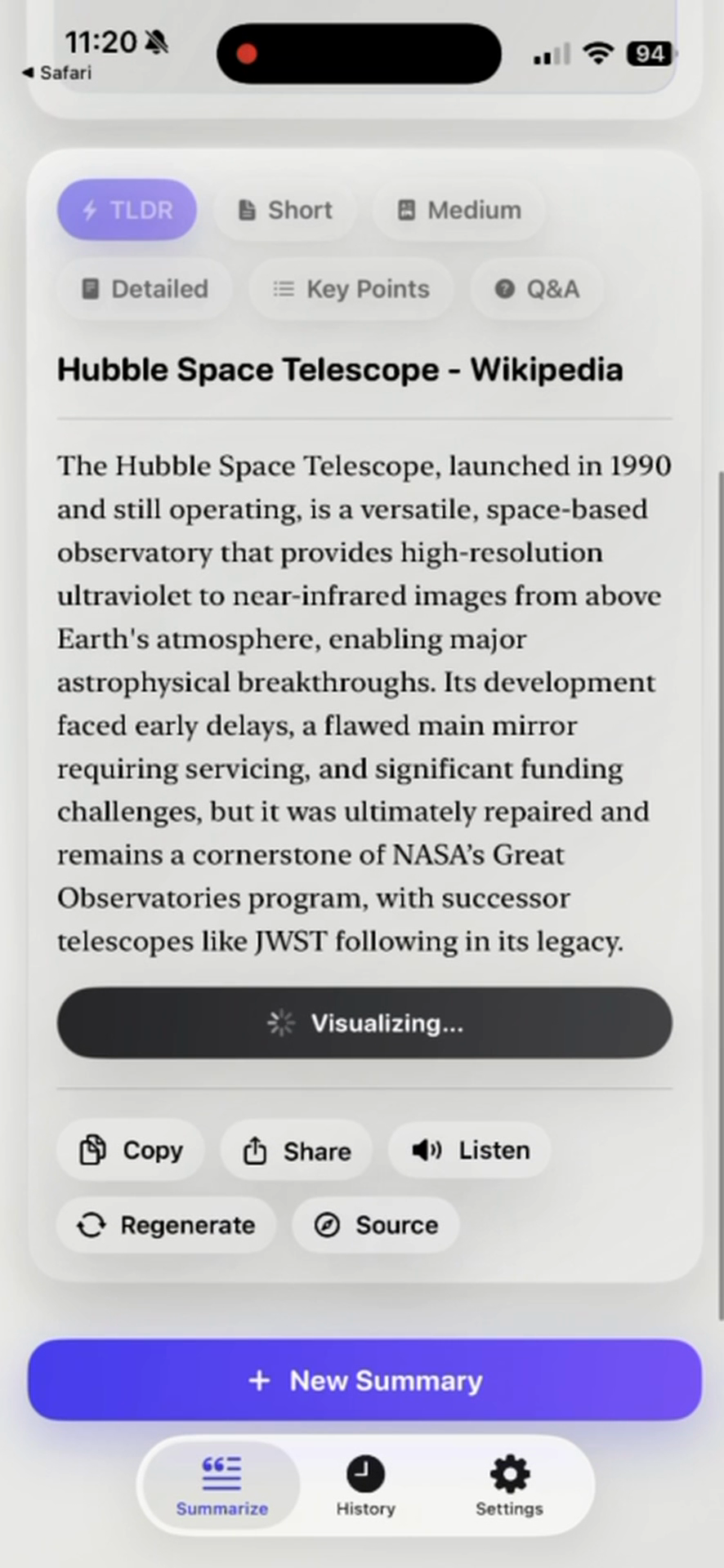
Premium access: In the reviewed current build, initial summarization and mode changes require Premium.
Availability check: The current version 4.2 project and matching local version 4.2/build 4.3 release archive implement this extension handoff. Apple public metadata does not expose the build identity, so confirm the option appears in your installed version. This qualification applies to both handoff references on this page.
What this workflow does
A research-paper workflow organizes a first reading around four checks:
- What problem do the authors study?
- What data or material do they use?
- Which method connects the evidence to the conclusion?
- What do they report, and which limitations do they acknowledge?
Summarise Visually supplies selectable summary formats; the reader supplies the academic checking. Detailed can preserve more of the argument’s sequence, Key Points can create a section checklist, and Q&A can surface review prompts. None of those formats evaluates research quality or confirms that a generated statement matches the paper.
How to use it on iPhone
- Obtain a legitimate, text-readable copy of the paper and keep its version information visible.
- Share the text-based paper PDF through the iOS Share or Action extension handoff, then select a mode that matches the task: Detailed for structure, Key Points for scanning, or Q&A for review prompts.
- Mark the paper’s abstract, method, results, discussion, and stated limitations before reading the generated text.
- Trace each important generated statement back to a page, section, table, or figure.
- Write your final notes from the checked source, not from an unverified summary alone.
Example
This workflow example is a study checklist and is not a captured app result. For a hypothetical paper comparing two revision routines, a reader might create five note headings: research question, participants, intervention, measured outcome, and authors’ limitations. After selecting Detailed mode, the reader would accept a point only when the paper supports it and would record the relevant section beside the note.
That procedure intentionally avoids invented findings, quotations, participant counts, effect sizes, or app output. It demonstrates how to review a summary without presenting an untested paper as evidence.
What works well
- Start with the abstract to identify the authors’ stated purpose, then check whether the generated overview agrees.
- Separate method from findings so a description of what researchers did is not mistaken for what they found.
- Turn Key Points into a verification list with page or section references added by the reader.
- Use Q&A to identify uncertainties, then answer them from the paper rather than assuming generated answers are complete.
Limitations
A summary cannot establish whether a study is well designed, sufficiently powered, reproducible, ethically conducted, or correctly interpreted. It may omit exclusions, uncertainty, negative results, subgroup details, and the conditions under which a conclusion applies. Citations that appear in a paper still need to be opened and checked.
Equations, tables, appendices, footnotes, and reference lists deserve direct inspection. If a paper is inaccessible, image-only, or protected in a way that prevents lawful text extraction, do not infer support from a partial input.
Research paper summarizer questions
What should a research paper summary include?
For orientation, look for the research purpose, material or participants, method, principal findings, and authors’ limitations. The exact structure depends on the discipline and paper type.
Does the app verify citations or research quality?
No. The workflow produces generated study material; citation checking and methodological assessment remain separate tasks.
Should I choose Key Points or Q&A?
Key Points is useful for a section checklist. Q&A can prompt retrieval practice, but every answer still needs confirmation in the paper.
Can I cite the generated summary?
Use the original paper and the citation practice required by your institution. This page does not present generated text as a scholarly source.
Related ways to learn
- Build source-located notes with the research-paper study guide and audit generated claims with the AI summary accuracy checklist.
- Use the PDF workflow for non-academic documents and file-handling details.
- Explore visual summaries only after the text notes have been checked.
- If this bounded workflow suits the paper, continue to the download handoff.